
Every engineering team has work that needs regular attention, like triaging new issues or investigating incidents. Among DevSecOps professionals using AI tools, 43% say automating repetitive tasks has created the most efficiency, according to GitLab’s Global DevSecOps report. But agents still rely on a human to kick off the workflow or an event trigger to fire, and without a record of what ran and why, no one can trace how the work got done.
With scheduled automations, in beta in GitLab 19.6, flows in GitLab Duo Agent Platform handle routine tasks on a schedule your team sets and keep a history of what ran. Scheduled automations are a building block of the governed software factory, where agents and flows work autonomously within controls set by your team.
Put routine work on a schedule
Relying on a person or an event to start automated work limits efficiency gains and makes timing unpredictable. When the person responsible is out, the work waits, and when there’s no event, it never starts. Scheduled automations give routine work a dependable rhythm.
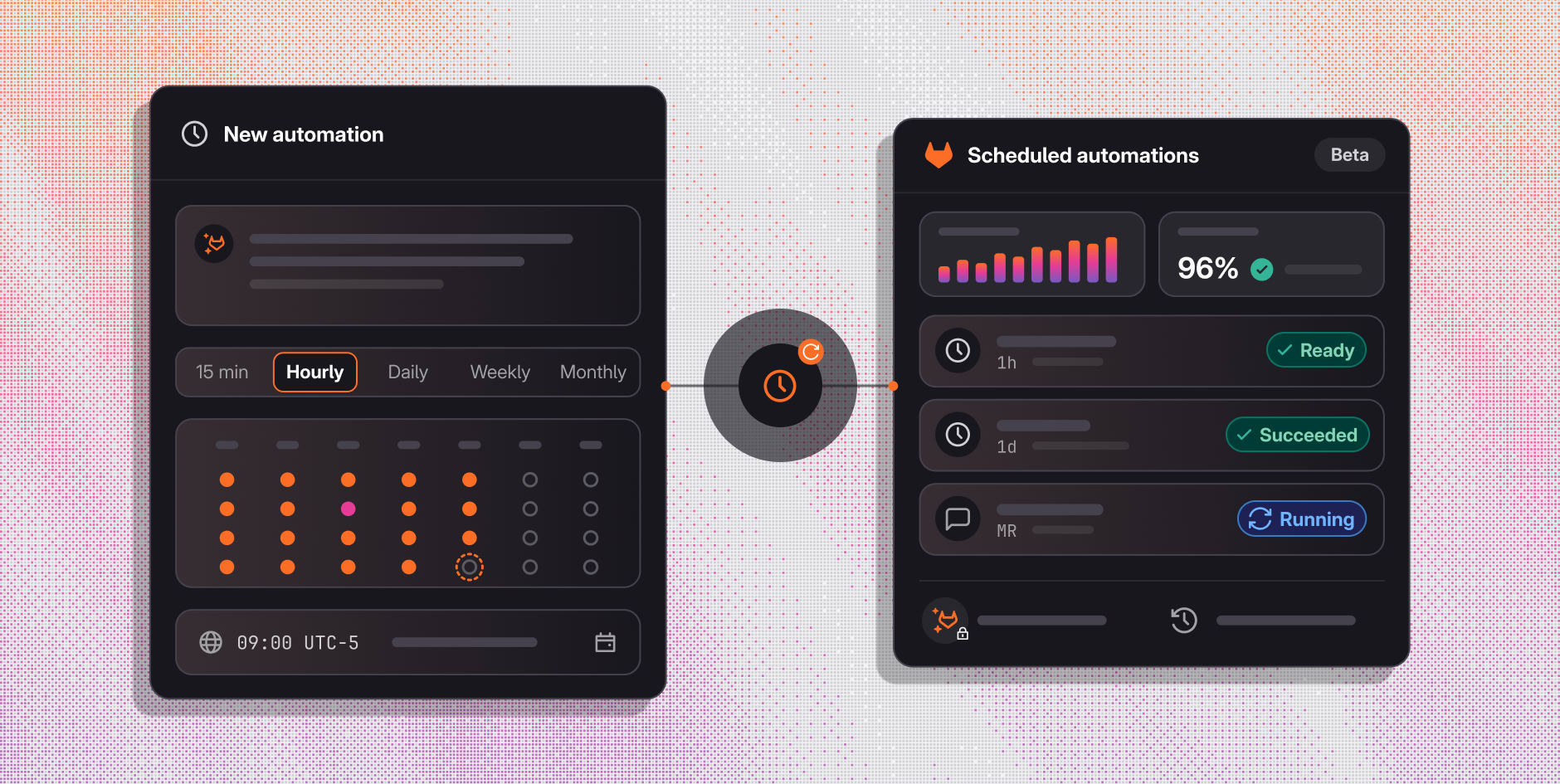
You can already run event-based automations in GitLab Duo Agent Platform, triggered by activities like a merge request or a mention in a comment. Scheduled automations start the work on a recurring schedule, with no event needed. Describe the task in plain language, set the cadence once, and the automation runs on its own at the times you choose, with run counts and success rates your team can review.
Triage new issues daily to keep your backlog organized, or schedule a flow to check CI health incidents every hour and comment with the likely root cause, so the investigation is underway before anyone opens the issue.
You can set a schedule from every 15 minutes to every month, at the time of day and in the timezone that meets the needs of your group. Because automations in GitLab drive the work your whole team depends on, each one runs at the project level.
See how to schedule an automation, from describing the task to reviewing its first run:
Control and transparency for every run
As agents take on more of the work around your code, teams need to know which agent acted, what permissions it had, and what it did. Without a verifiable identity and a record of every change, no one can say which agent made a change or why it ran, and every review or audit starts with reconstruction. It’s hard to scale agentic work when you can’t see what agents or flows already did.
Scheduled automations offer the controls a team needs to trust what runs on its own. Each automation runs as a dedicated service account with scoped permissions, so your team can tell agent work from human work in the audit events. Audit events also record changes to every automation, so your team knows what ran, what happened, and who changed it.
A redesigned Automations page, previously labeled Triggers, brings scheduled and event-based automations together in one place, with run volume, success rate, and session details for each, so your team can see details of what ran and what happened. If a run fails, the page shows the reason, and you can open the session to see exactly what the agent did.
A foundation of the governed software factory
The governed software factory is a connected system for moving software from idea to production under your organization’s own policy and standards, with an evidence chain that records how every change got there.
Scheduled automations add a critical piece to that foundation by automating work into the factory on a regular basis. A weekly scan for vulnerabilities can create work items for the factory to act on, and every automation runs as its own service account with scoped permissions, so its actions stay easy to identify.
Scheduling the right work keeps the factory moving, saves your team time, and leaves a record they can trust. Creating one of these automations is a good place to start:
- CI health investigation - An hourly check of open incidents that comments with the likely root cause, so the investigation is underway before anyone opens the issue.
- Issue triage - A morning review of new issues that decides whether each is a bug or a feature and adds a label, so the backlog stays organized.
- Stale work report - A weekly report that lists the open issues with no activity in the last 30 days in a new issue, so stuck work gets a second look.
- Duplicate spotting - A daily check of new issues that comments with any open issues that look like the same request, so duplicates get linked before anyone triages them twice.
- Weekly digest - A Friday summary of what closed and merged that week, written in plain language for people outside engineering and posted as a new issue, so stakeholders know what shipped without reading MR titles.
Try scheduled automations today
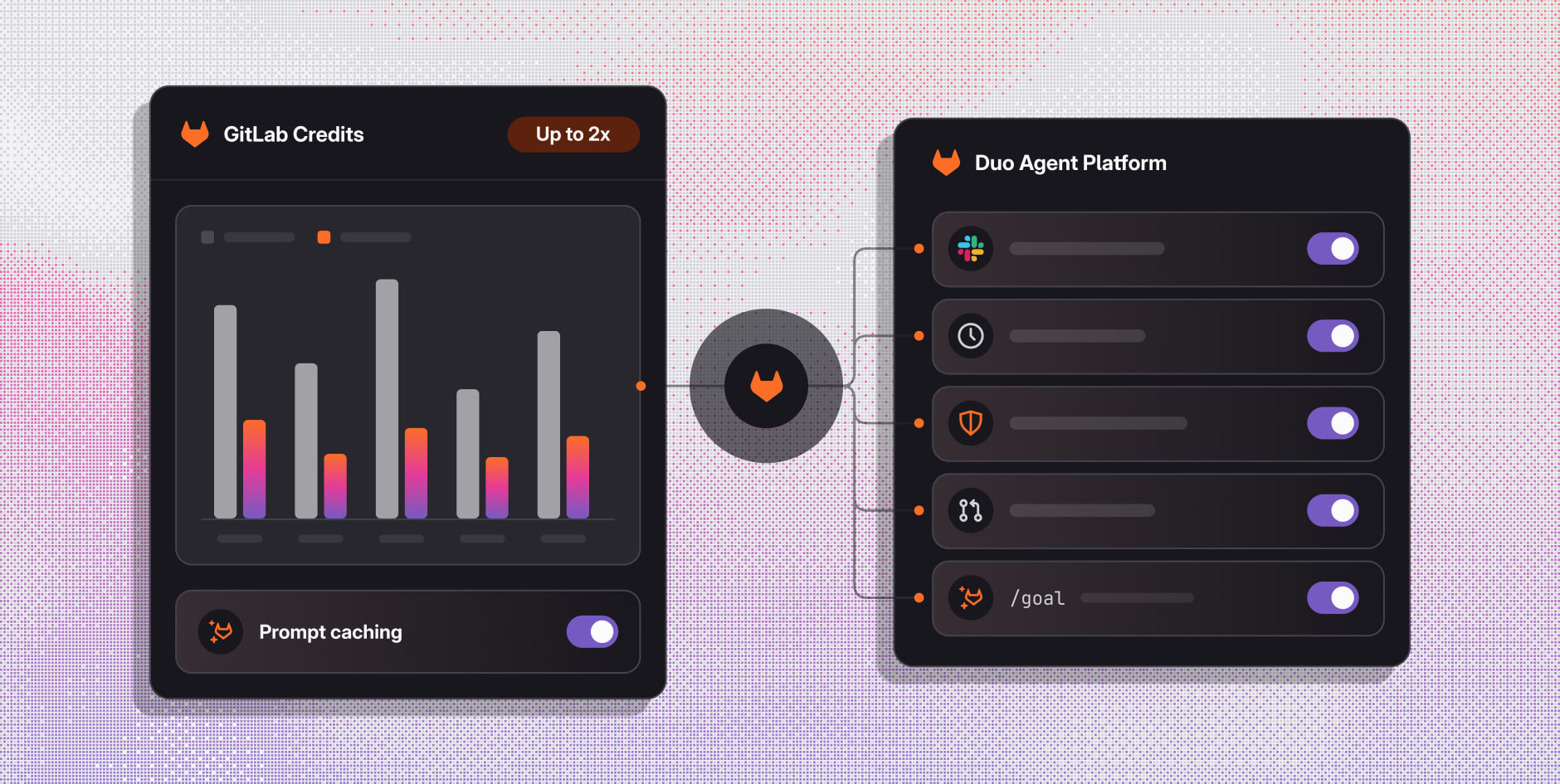
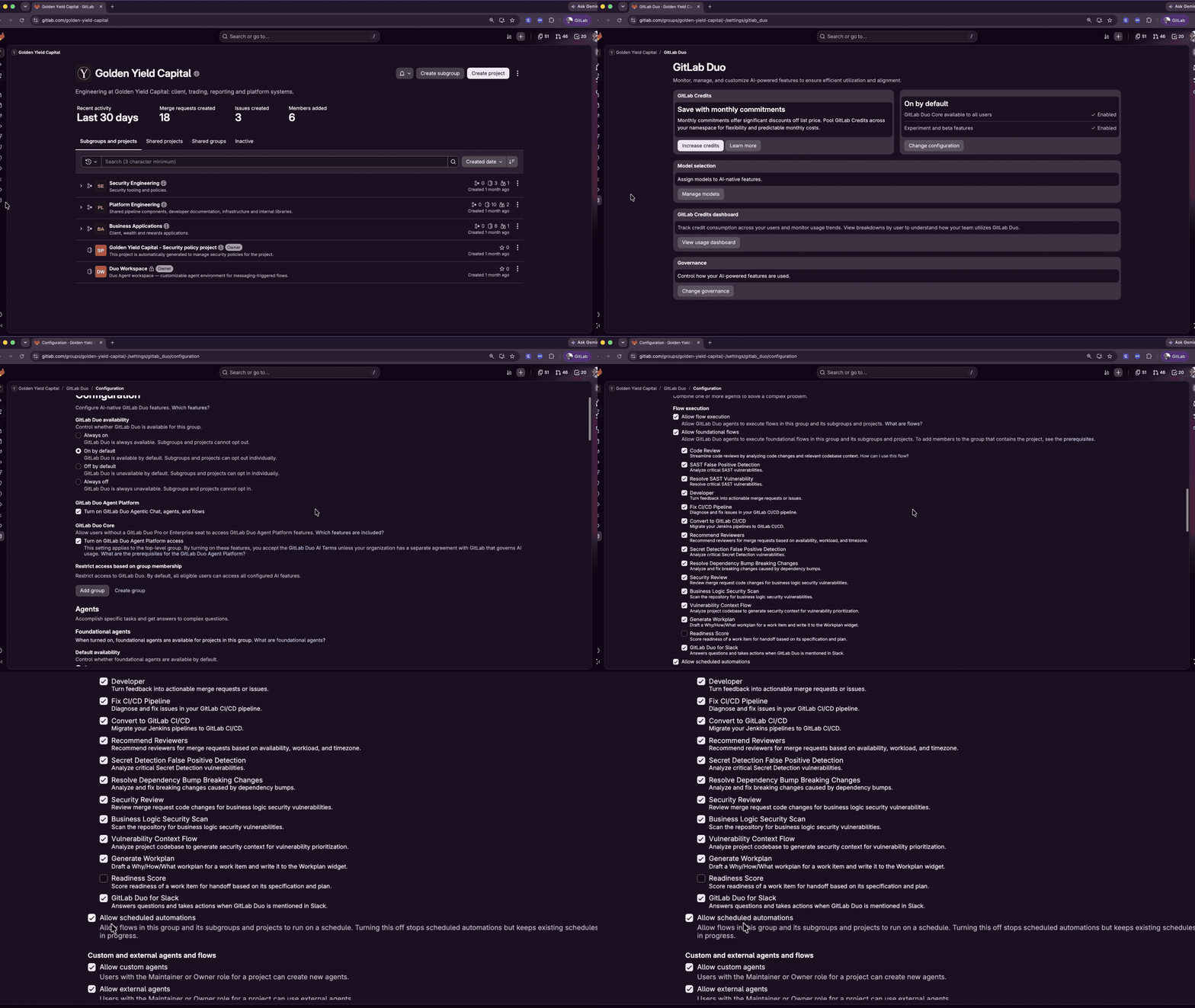
Scheduled automations are available now in beta in GitLab 19.6. Like other flows on GitLab Duo Agent Platform, scheduled automations use GitLab Credits. To try one, turn on experimental and beta features, choose a routine your team repeats, like one of the recommendations above, and put it on a schedule.
If you’re new to GitLab Duo Agent Platform, start a free trial. Already on Premium or Ultimate? Turn on Duo Agent Platform and use the GitLab Credits included with your subscription.